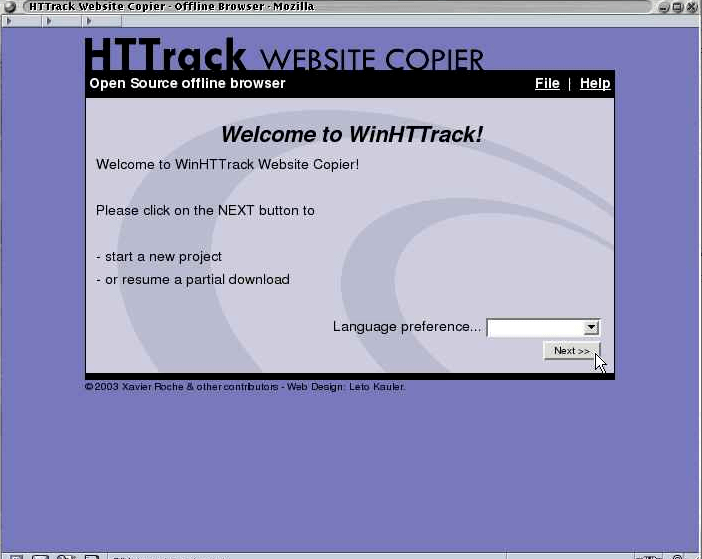
Welcome to HTTrack Website Copier (Offline Browser) 3.49-2 Copyright (C) 1998-2017 Xavier Roche and other contributors To see the option list, enter a blank line or try httrack --help
Enter project name :jiayu
Base path (return=/home/xdl/websites/) :
Enter URLs (separated by commas or blank spaces) :https://localhost.com
Action: (enter) 1 Mirror Web Site(s) 2 Mirror Web Site(s) with Wizard 3 Just Get Files Indicated 4 Mirror ALL links in URLs (Multiple Mirror) 5 Test Links In URLs (Bookmark Test) 0 Quit :
Proxy (return=none) :
You can define wildcards, like: -*.gif +www.*.com/*.zip -*img_*.zip Wildcards (return=none) :
You can define additional options, such as recurse level (-r<number>), separated by blank spaces To see the option list, type help Additional options (return=none) :
Mirror launched on Wed, 25 Mar 2020 13:29:38 by HTTrack Website Copier/3.49-2 [XR&CO'2014] mirroring https://localhost.com with the wizard help.. Done. Thanks for using HTTrack! *
# 1. 输入待生成的项目名称
Enter project name :progit
# 2. 输入待保存的项目所在的路径
Base path (return=/Users/apple/websites/) :/Users/apple/Desktop
# 3. 输入需要克隆的网站的 url
Enter URLs (separated by commas or blank spaces) :https://progit.bootcss.com/

Action:
(enter)    1    Mirror Web Site(s)
    2    Mirror Web Site(s) with Wizard
    3    Just Get Files Indicated
    4    Mirror ALL links in URLs (Multiple Mirror)
    5    Test Links In URLs (Bookmark Test)
    0    Quit
:
# 4. 没有特别要求直接回车即可
Proxy (return=none) :

You can define wildcards, like: -*.gif +www.*.com/*.zip -*img_*.zip
# 5. 没有特别要求直接回车即可
Wildcards (return=none) :

You can define additional options, such as recurse level (-r<number>), separated by blank spaces
To see the option list, type help
# 6. 没有特别要求直接回车即可
Additional options (return=none) :

---> Wizard command line: httrack https://progit.bootcss.com/  -O "/Users/apple/Desktop/progit"  -%v

Ready to launch the mirror? (Y/n) :Y

Mirror launched on Thu, 15 Aug 2019 11:54:40 by HTTrack Website Copier/3.49-2 [XR&CO'2014]
mirroring https://progit.bootcss.com/ with the wizard help..
Done.
Thanks for using HTTrack!
*
Welcome to HTTrack Website Copier (Offline Browser) 3.49-2 Copyright (C) 1998-2017 Xavier Roche and other contributors To see the option list, enter a blank line or try httrack --help
Enter project name :jiayu
Base path (return=/home/xdl/websites/) :
Enter URLs (separated by commas or blank spaces) :https://localhost.com
Action: (enter) 1 Mirror Web Site(s) 2 Mirror Web Site(s) with Wizard 3 Just Get Files Indicated 4 Mirror ALL links in URLs (Multiple Mirror) 5 Test Links In URLs (Bookmark Test) 0 Quit :
Proxy (return=none) :
You can define wildcards, like: -*.gif +www.*.com/*.zip -*img_*.zip Wildcards (return=none) :
You can define additional options, such as recurse level (-r<number>), separated by blank spaces To see the option list, type help Additional options (return=none) :
Mirror launched on Wed, 25 Mar 2020 13:29:38 by HTTrack Website Copier/3.49-2 [XR&CO'2014] mirroring https://localhost.com with the wizard help.. Done. Thanks for using HTTrack! *
# 1. 输入待生成的项目名称
Enter project name :progit
# 2. 输入待保存的项目所在的路径
Base path (return=/Users/apple/websites/) :/Users/apple/Desktop
# 3. 输入需要克隆的网站的 url
Enter URLs (separated by commas or blank spaces) :https://progit.bootcss.com/

Action:
(enter)    1    Mirror Web Site(s)
    2    Mirror Web Site(s) with Wizard
    3    Just Get Files Indicated
    4    Mirror ALL links in URLs (Multiple Mirror)
    5    Test Links In URLs (Bookmark Test)
    0    Quit
:
# 4. 没有特别要求直接回车即可
Proxy (return=none) :

You can define wildcards, like: -*.gif +www.*.com/*.zip -*img_*.zip
# 5. 没有特别要求直接回车即可
Wildcards (return=none) :

You can define additional options, such as recurse level (-r<number>), separated by blank spaces
To see the option list, type help
# 6. 没有特别要求直接回车即可
Additional options (return=none) :

---> Wizard command line: httrack https://progit.bootcss.com/  -O "/Users/apple/Desktop/progit"  -%v

Ready to launch the mirror? (Y/n) :Y

Mirror launched on Thu, 15 Aug 2019 11:54:40 by HTTrack Website Copier/3.49-2 [XR&CO'2014]
mirroring https://progit.bootcss.com/ with the wizard help..
Done.
Thanks for using HTTrack!
*